
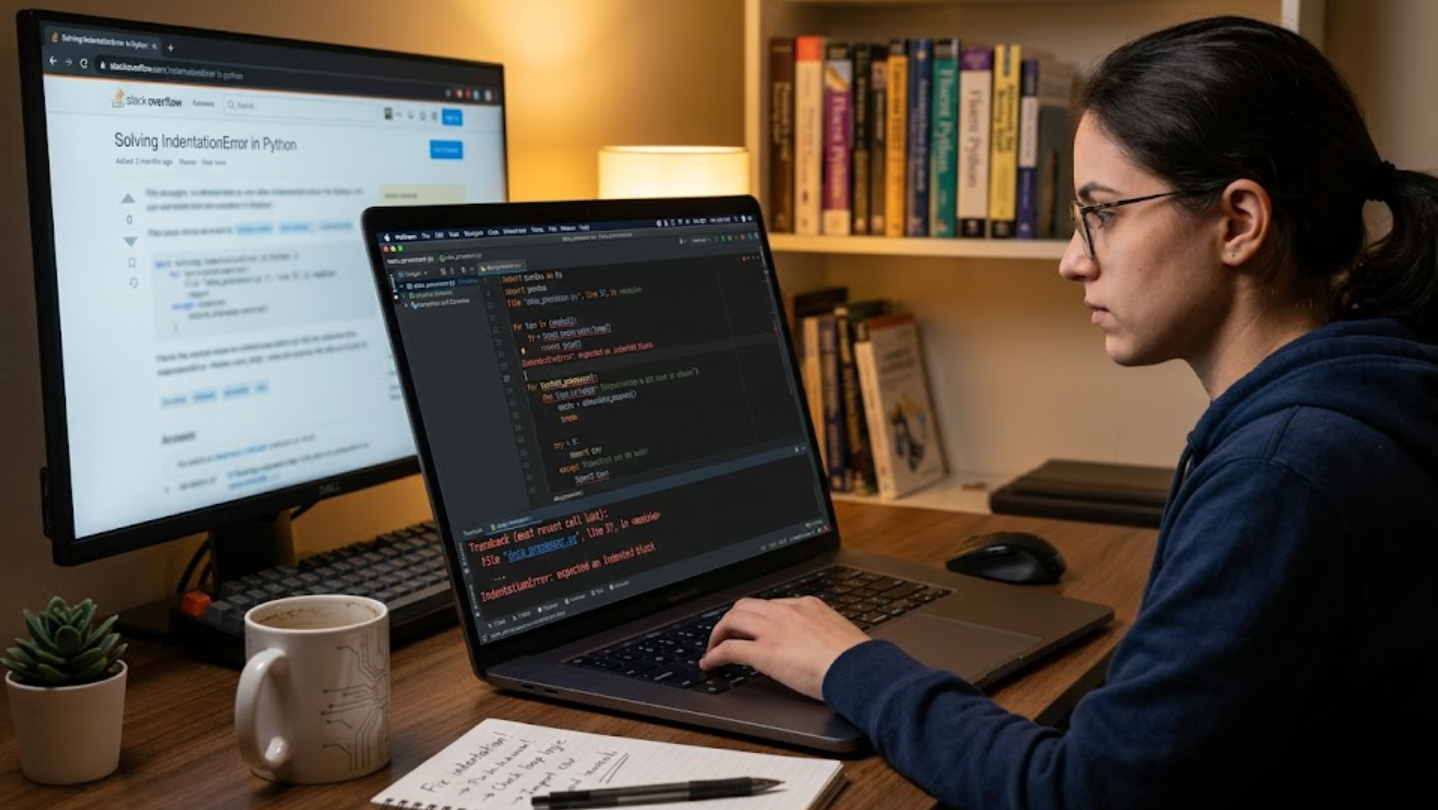
Python errors occur when the interpreter encounters something it cannot execute or interpret correctly. These issues can arise from simple mistakes like incorrect syntax, missing symbols, or improper indentation, as well as deeper problems such as invalid operations or unexpected input values. At a higher level, errors happen because code is essentially a set of strict instructions, and when those instructions break Python’s rules or logic expectations, the program stops or behaves unpredictably. Understanding this helps beginners see errors not as failures, but as signals that guide them toward correcting structure, improving logic, and refining how their program works step by step.
Reading Tracebacks Like a Pro
A traceback is Python’s way of showing exactly where and why an error occurred, and learning to read it properly is one of the most important debugging skills. It lists the sequence of function calls that led to the error, along with file names and line numbers, helping you trace the problem back to its source instead of guessing. Most beginners make the mistake of only reading the last line, but the real insight comes from following the chain of execution from bottom to top to understand how the program reached the failure point.
Once you understand how to interpret tracebacks, debugging becomes far more efficient because you can immediately locate the problematic section of code. Instead of scanning the entire program, you focus only on the specific line highlighted by Python and then analyze the surrounding logic. This method reduces trial-and-error fixes and helps you build a clearer mental model of how your code is executing step by step, which is essential for writing reliable programs.
Common Python Syntax and Runtime Errors
Syntax errors happen when the structure of your code breaks Python’s rules, such as missing colons, incorrect indentation, or unmatched brackets. These errors prevent the program from running at all because Python cannot parse the code correctly. They are usually easy to detect since Python points directly to the line where the issue occurs, making them some of the simplest errors to fix once you understand basic language rules.
Runtime errors, on the other hand, occur while the program is running and often depend on dynamic conditions like user input or file availability. Examples include dividing by zero, accessing a list index that does not exist, or trying to open a file that cannot be found. Unlike syntax errors, runtime issues require more investigation because the code itself is valid, but the situation it is handling is not, which makes careful testing and validation essential.
Using Print Statements and Logging for Debugging
One of the simplest yet most effective ways to debug Python code is by using print statements to inspect what your program is doing at different stages. By displaying variable values, function outputs, or execution flow markers, you can quickly identify where things start to go wrong. This method is especially useful for beginners because it provides immediate visibility into how data changes as the program runs, helping you isolate unexpected behavior without needing advanced tools.
Debugging with Built-in Python Tools
Python provides several built-in debugging tools that help developers identify and fix issues more efficiently than manual checking alone. One of the most commonly used tools is the pdb module, which allows you to pause program execution, step through code line by line, and inspect variable values in real time. This interactive approach helps you understand exactly how your program behaves at each stage, making it easier to locate hidden problems that may not be obvious from error messages alone.
Another useful approach is using IDE-based debuggers, such as those found in editors like VS Code or PyCharm. These tools offer visual breakpoints, call stack inspection, and variable tracking, which simplify the debugging process significantly. Instead of relying only on printed output, you can observe how the program flows dynamically, making it easier to catch subtle issues in logic or data handling before they become larger problems.
Fixing Logical Errors in Your Code
Logical errors are some of the most challenging issues to identify because the program runs without crashing but produces incorrect results. These errors usually come from mistakes in reasoning, such as using the wrong formula, incorrect conditions in loops, or misinterpreting how data should be processed. Since Python does not flag these as errors, it is up to the developer to carefully analyze outputs and compare them against expected results.
The best way to fix logical errors is to break the program into smaller parts and test each section independently. By isolating functions or blocks of code, you can verify whether each part behaves as intended before combining them. This step-by-step validation approach reduces confusion and helps ensure that the final output is accurate, making debugging more systematic rather than guess-driven.
Best Practices to Prevent Python Errors
Preventing errors in Python is often more efficient than fixing them after they occur, and this starts with writing clean, readable, and well-structured code. Using consistent indentation, meaningful variable names, and modular functions reduces confusion and makes it easier to spot mistakes early. Additionally, validating user input and anticipating edge cases helps prevent unexpected runtime issues before they disrupt program execution.
Real-World Debugging Example Case Study
In a typical real-world scenario, imagine a Python script designed to process user data from a file and calculate average values. The program runs without syntax errors, but the output is unexpectedly incorrect, showing unusually high averages. At first glance, everything seems fine, but a closer inspection reveals that the script is accidentally including header rows and empty lines in its calculations, which skews the results significantly.
To fix this issue, the developer begins by isolating the data processing function and printing intermediate values to understand what is being read and processed. After identifying that non-numeric entries are not being filtered out properly, a simple condition is added to skip invalid rows. Once corrected, the program produces accurate results, demonstrating how structured debugging and step-by-step validation can quickly resolve even confusing logical issues.
Conclusion
Debugging Python code is a skill built through understanding errors, reading tracebacks carefully, and applying systematic testing methods. Instead of viewing errors as setbacks, they should be treated as helpful indicators that guide you toward improving your code. Whether dealing with syntax mistakes, runtime failures, or logical issues, the key is to break problems into smaller parts and analyze them methodically.
Over time, developers become faster at identifying patterns in errors and applying proven techniques like logging, debugging tools, and incremental testing. This not only improves code quality but also builds confidence in handling more complex projects.
FAQs
1. Why does Python show errors even when my code looks correct?
Because small issues like indentation, invalid values, or logic mistakes can still break execution even if the syntax appears correct.
2. What is the easiest way to debug Python code?
Using print statements to check variable values step by step is often the simplest and most effective method for beginners.
3. What is the difference between syntax and runtime errors?
Syntax errors stop code from running due to structure issues, while runtime errors occur during execution due to invalid operations.
4. How can I avoid Python errors in the future?
By writing clean code, testing frequently, validating inputs, and using debugging tools early in development.
For More Gossip’s and Information Visit Star Story Time
